Everything you need to know before starting the course.
What level is this course for?
This course is designed for beginner to intermediate artists who want to learn a practical real-time workflow for exterior ArchViz and animation.
What software do I need?
You’ll need 3ds Max, V-Ray, and Chaos Vantage to follow the complete workflow demonstrated in the course.
Do I need previous Chaos Vantage experience?
No. The course starts with scene preparation, importing, and navigation before moving into scatter, lighting, cameras, animation, and rendering.
What will I learn in this course?
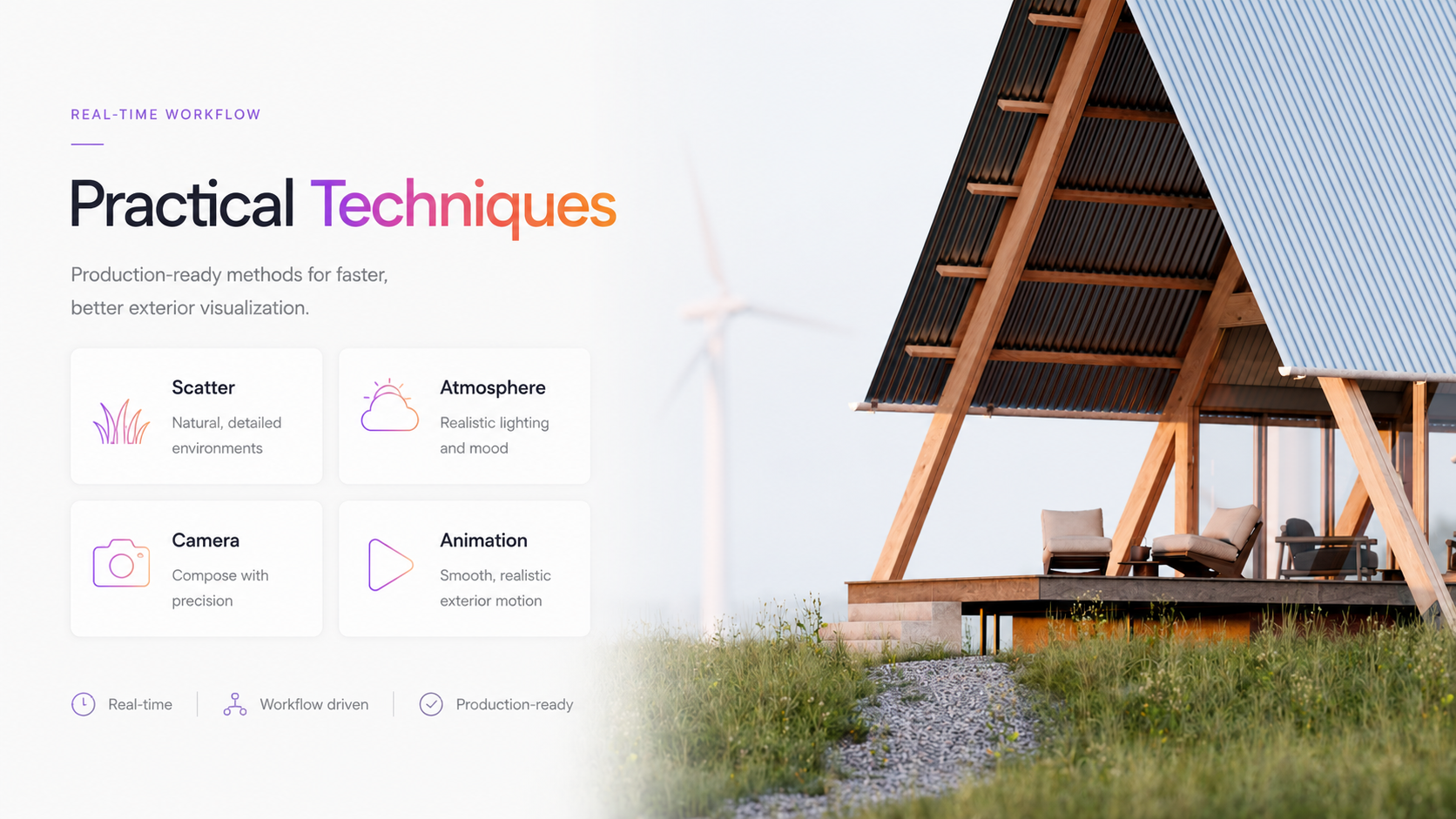
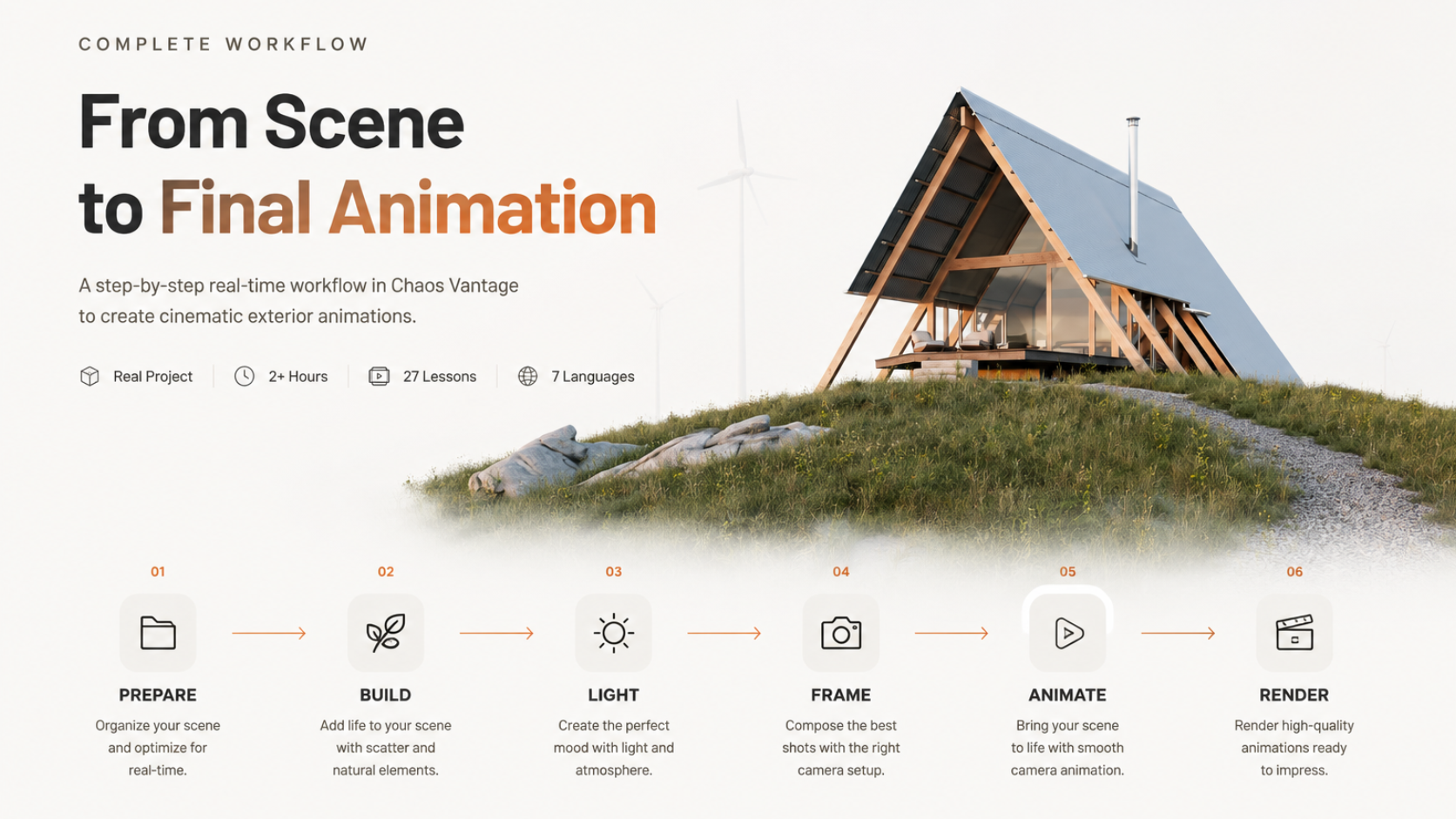
You’ll learn the complete workflow for bringing an exterior ArchViz scene into Chaos Vantage and developing it through scene preparation, scatter, lighting and atmosphere, camera setup, animation, and final rendering.
Is this course focused on a real project?
Yes. The course follows a practical exterior ArchViz project, so you can see how the techniques are applied within an actual production workflow.
Are the project files included?
Yes. Project files are included so you can follow the workflow and practice with the course material.
Is the course available in multiple languages?
Yes. The course is available in 7 languages, allowing you to learn in the language that works best for you.
How long is the course?
The course includes 2+ hours of training across 7 sections and 27 lessons, organized into a focused, step-by-step workflow.
Does the course cover animation?
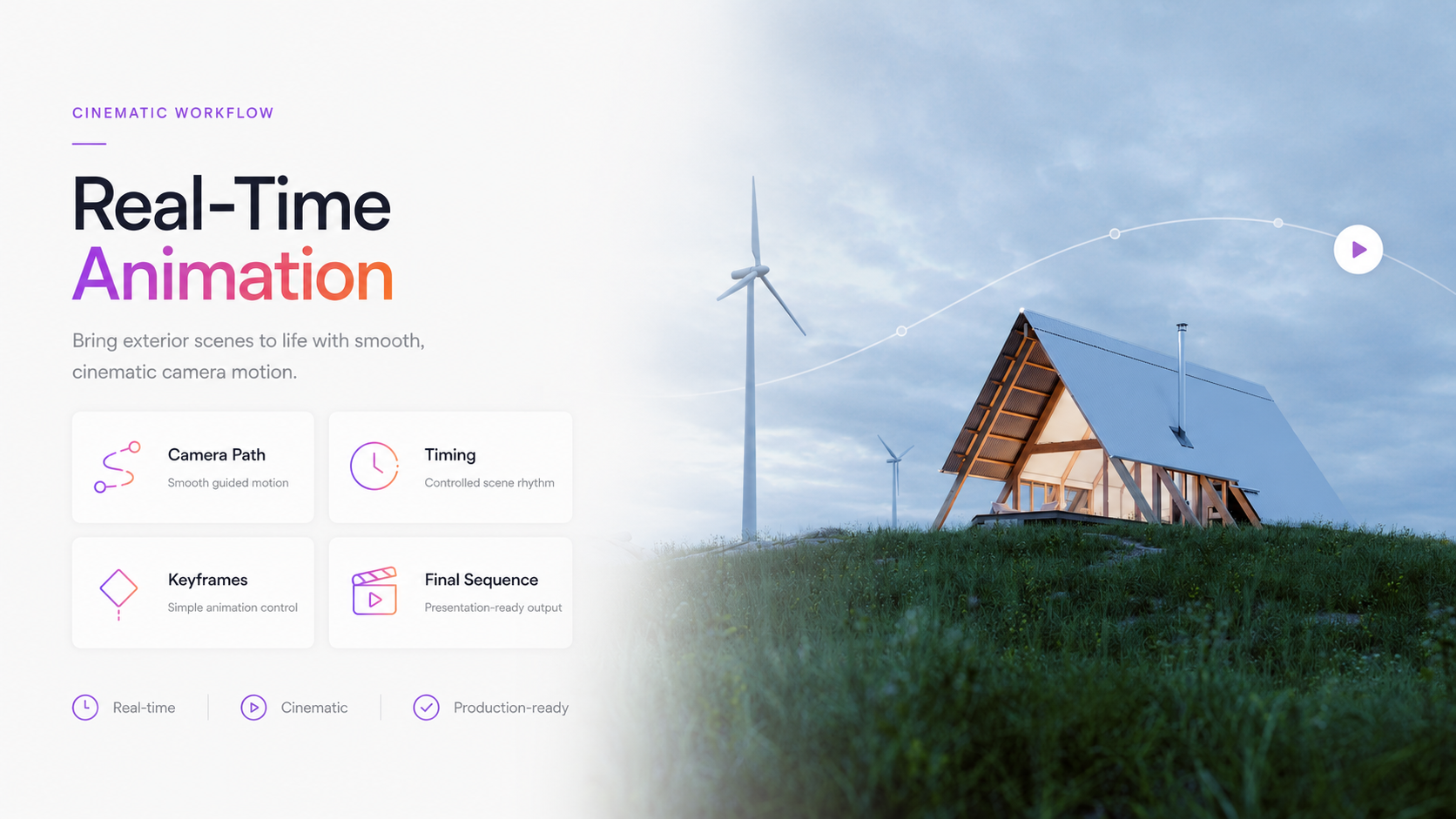
Yes. You’ll learn the Chaos Vantage animation interface and create camera animations as part of the project workflow.
Will I learn how to create the final render?
Yes. The final section covers snapshots and high-quality rendering so you can take the project from the working scene to the finished output.
Find us on YouTube
Learn the art of architectural visualization and animations!